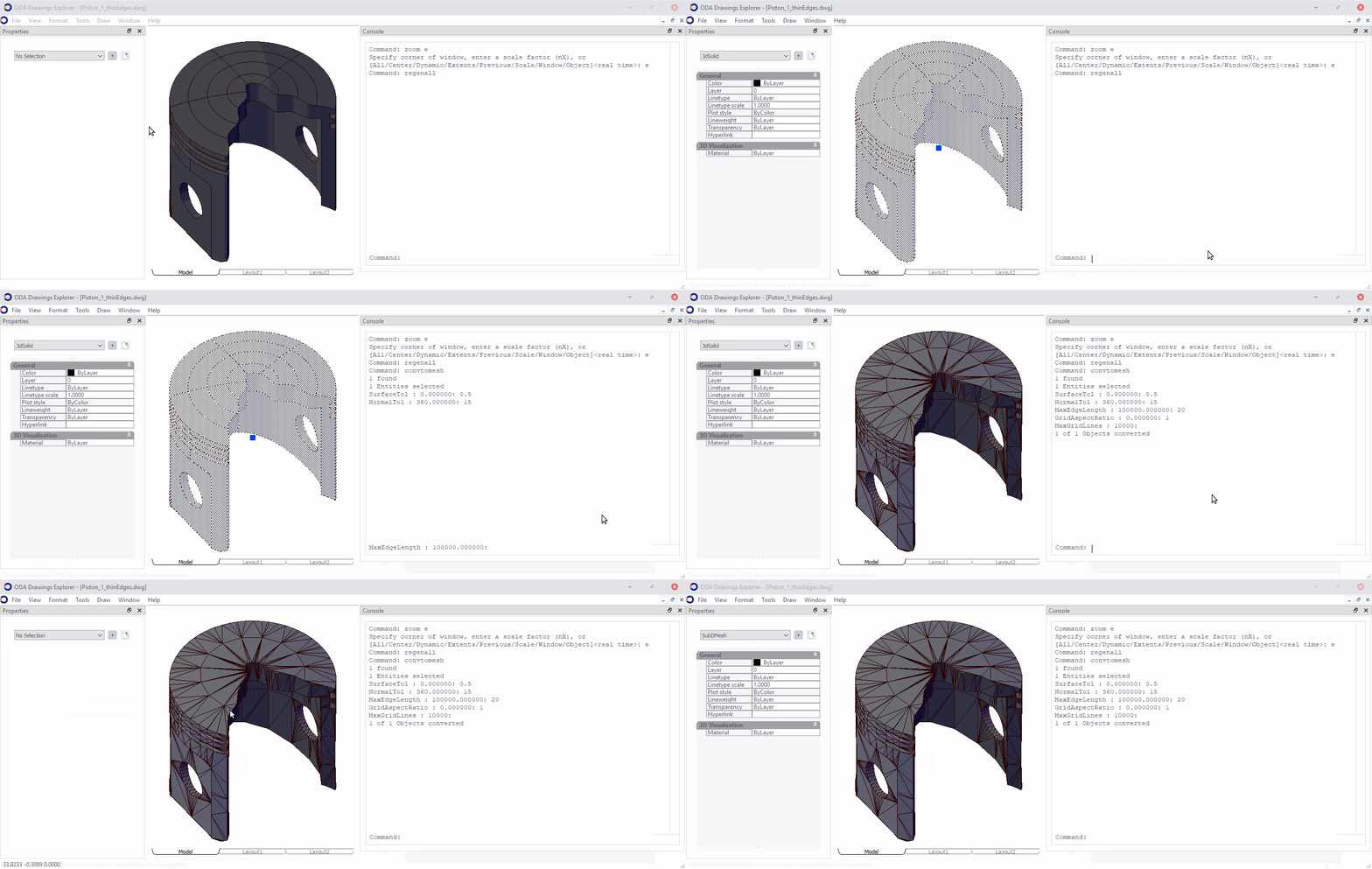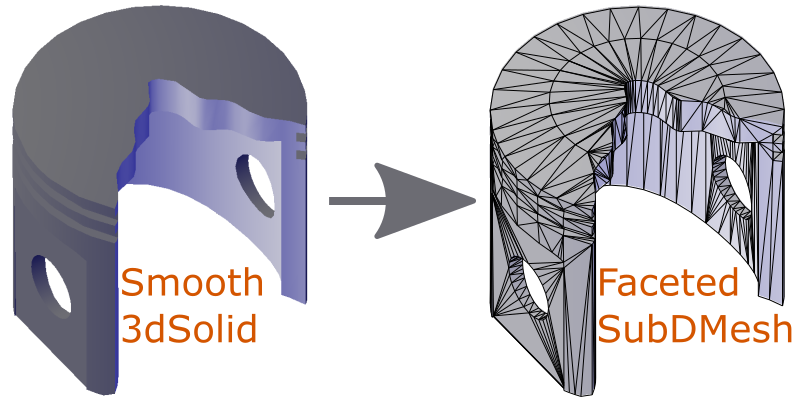
有时您可能需要将对象转换为分面网格,例如,为了摆脱复杂的曲面或导出为其他格式。您可以使用 OdDbSubDMesh 类和 oddbGetObjectMesh 函数将 OdDb3dSolid、OdDbSurface、OdDbRegion、OdDbPolyline 对象转换为分面网格数据。
OdResult oddbGetObjectMesh(
  OdDbObject *pObj,
  const OdDbFaceterSettings *faceter,
  OdGePoint3dArray& vertexArray,
  OdInt32Array& faceArray,
  OdGiFaceData*& faceData);
此方法的输入参数为:
- 指向对象的指针。
- 指向面上分区参数的指针。
输出包含 vertexArray、faceArray 和 faceData 数组。
对象可以包含平滑或大的面和边。为了控制这些对象的转换方式,有一个影响结果的参数。以下是简要说明:
struct MeshFaceterSettings
{
 /** Maximum surface deviation. */
 double faceterDevSurface;
 /** Maximum normal deviation. */
 double faceterDevNormal;
 /** Grid ratio. */
 double faceterGridRatio;
 /** Maximum edge length. */
 double faceterMaxEdgeLength;
 /** Maximum aspect ratio for the grid quads. */
 OdUInt16 faceterMaxGrid;
 /** Minimum number of U parameter grid lines. */
 OdUInt16 faceterMinUGrid;
 /** Minimum number of V parameter grid lines. */
 OdUInt16 faceterMinVGrid;
 /** Facet mesh type.
 * 0 - quad type,
 * 1 - hybrid (triangle & quad) type,
 * 2 - triangle type. */
 OdInt16 faceterMeshType;
};
需要注意的是,此函数的结果取决于当前建模器及其使用分面器设置的方式。要快速开始测试此功能或自行实验,您可以使用 ExCommands 模块中的 CONVTOMESH 命令,该模块位于 Drawing/Examples 安装文件夹中。如果可能,CONVTOMESH 命令会将选定的对象转换为 OdDbSubDMesh 对象。