[ブログに戻る](/ja/blog) # Web SDKでマークアップを作成する
Alexey Soloshenko 7月 11, 2019 [\#Web SDK](/ja/blog/tag/web-sdk)
マークアップを使用すると、ドキュメントに直接一時的な赤線や注釈を付けることができます。以下は、Web SDKを使用してマークアップを含む図面の例です。
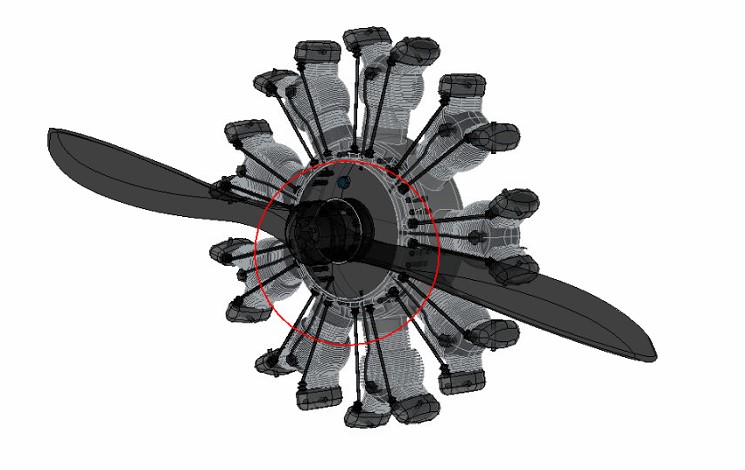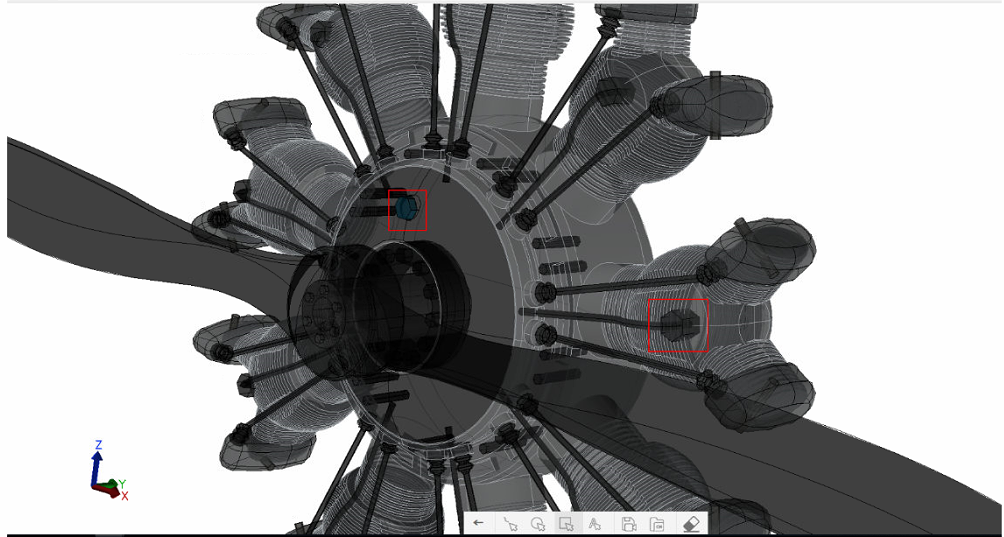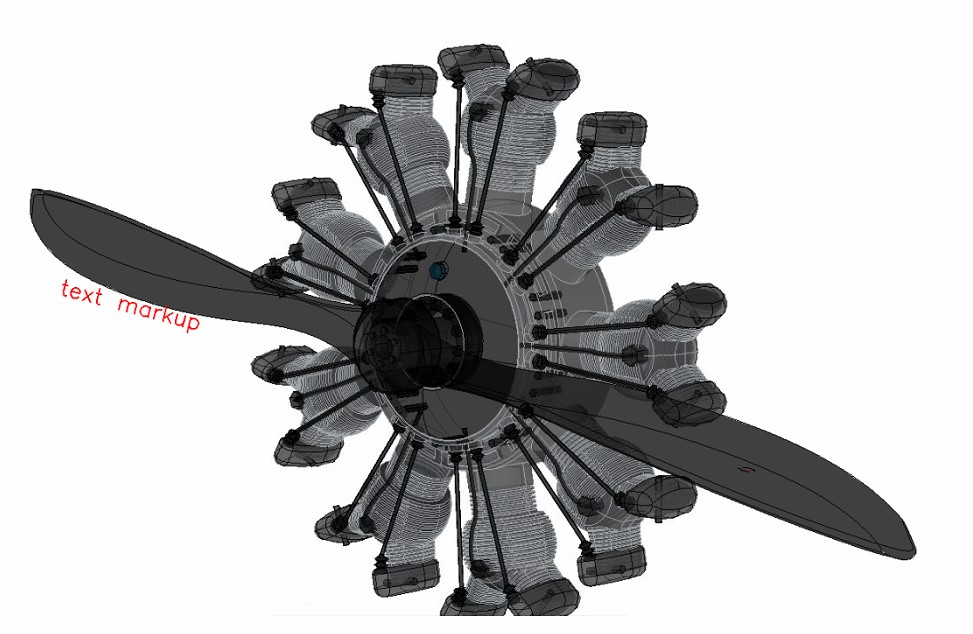ODA Web Viewerのマークアップツールバーを使用して、さまざまな種類のマークアップを作成できます。ODA Web Viewerの実行に関する詳細については、[オンラインドキュメント](https://docs.opendesign.com/tcloud/frames.html?frmname=topic&frmfile=tcloud_running_sample_app.html)(ログインが必要)を参照してください。ODA Web Viewerでは、次の種類のマークアップを作成できます。
- 長方形マークアップ
- 円マークアップ
- フリーハンドマークアップ
- テキストマークアップ
次に、マークアップビューを保存およびロードするための2つのツールを使用します。
- マークアップを保存 — 描画したマークアップで現在のビューを保存します。
- マークアップを読み込み — マークアップを含むビューを読み込みます。
描画したマークアップを保存するには:
1. 「マークアップを保存」をクリックします。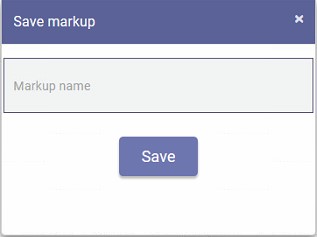
2. 保存するマークアップビューの名前を入力し、「保存」をクリックします。
マークアップを含む保存済みビューを読み込むには:
1. 「マークアップを読み込み」をクリックします。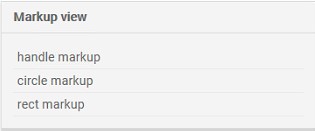
2. 読み込むビューを選択し、「読み込み」をクリックします。
#### ソースコードでの動作
```
Create markup model:
const model = this.m_viewer.getMarkupModel(); //returns a markup model, if there is one, or it creates this model
Save markup model:
const viewer = this.webModule.getViewer();
const markupCtrl = viewer.getMarkupController(); //getting a controller object to interact with markups
markupCtrl.save(markupName); //saving markup object on client, the markup name must be passed to the function
markupCtrl.sendSaveRequest(markupName); //send request and save markup on backend, the markup name must be passed to the function
Get list of markups:
const viewer = this.webModule.getViewer();
const markupCtrl = viewer.getMarkupController();
const saved = markupCtrl.getSaved(); //returns the list of markups that have been saved
Load markup model:
const viewer = this.webModule.getViewer();
const markupCtrl = viewer.getMarkupController();
markupCtrl.load(markupName); //the controller loads the desired markup by name that was previously saved
Clear markup:
const viewer = this.webModule.getViewer();
const markupCtrl = viewer.getMarkupController();
markupCtrl.clear(); //hides all drawn models, even those that have been saved
```
## 今すぐ始める
**ODAソフトウェアを60日間無料でお試しください。
リスクなし、クレジットカード不要。**
[無料で試す](https://www.opendesign.com/ja/free-trial)