[返回博客](/cn/blog) # 使用 Web SDK 创建标记
Alexey Soloshenko 七月 11, 2019 [\#Web SDK](/cn/blog/tag/web-sdk)
标记允许您直接在文档中进行临时批注和备注。以下是使用 Web SDK 包含标记的图纸的一些示例:
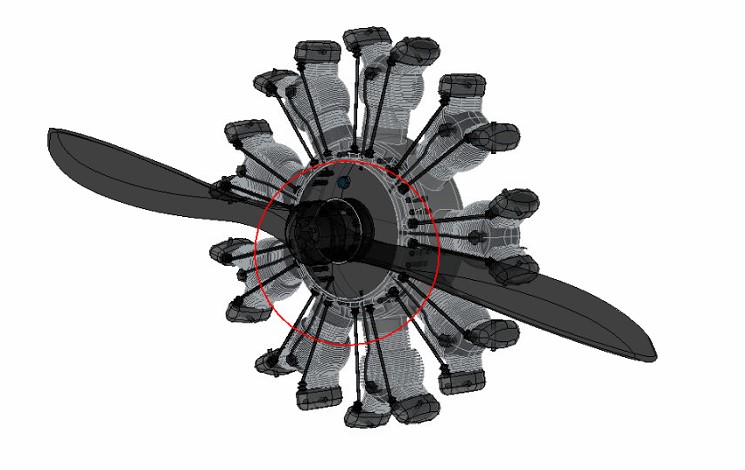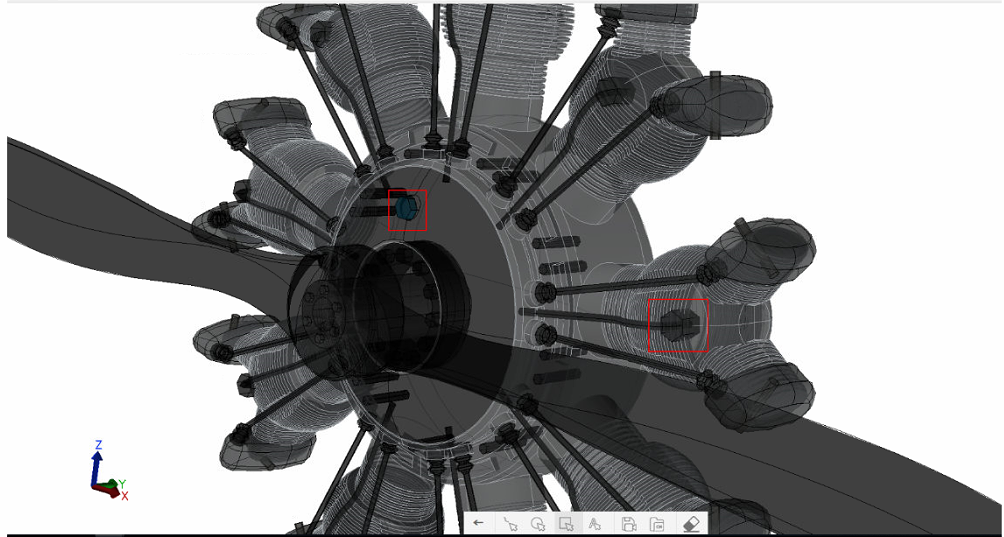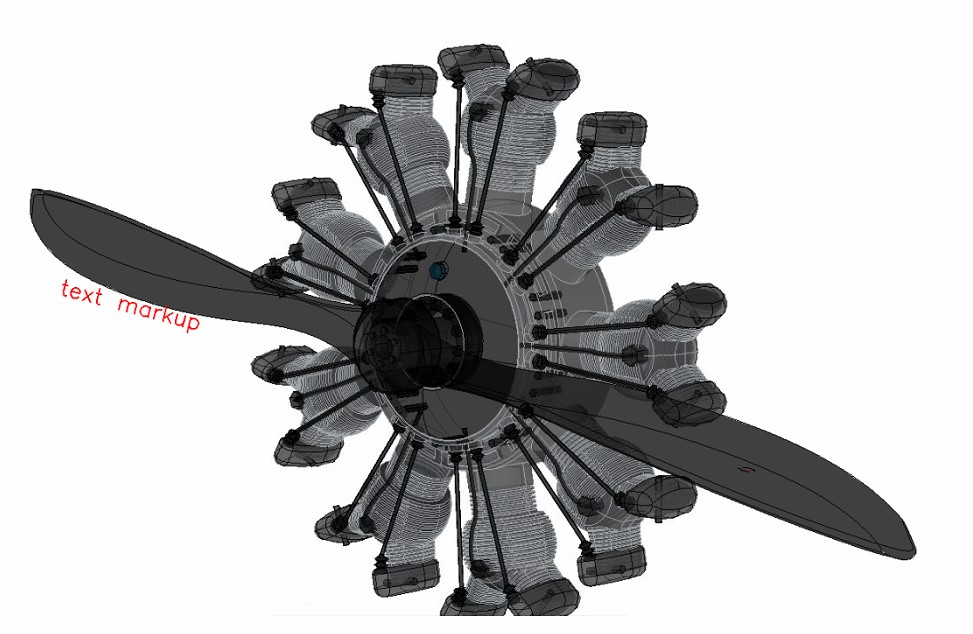您可以使用 ODA Web Viewer 中的“标记”工具栏创建不同类型的标记。有关运行 ODA Web Viewer 的详细信息,请参阅[在线文档](https://docs.opendesign.com/tcloud/frames.html?frmname=topic&frmfile=tcloud_running_sample_app.html)(需要登录)。您可以在 ODA Web Viewer 中创建以下类型的标记:
- 矩形标记
- 圆形标记
- 徒手标记
- 文本标记
然后使用这两个工具保存和加载标记视图:
- 保存标记 — 保存当前视图以及您绘制的标记。
- 加载标记 — 加载包含标记的视图。
要保存您绘制的标记:
1. 单击“保存标记”。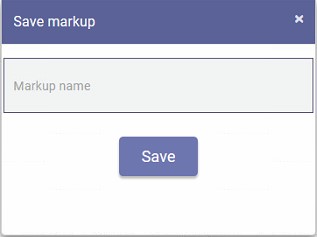
2. 输入保存的标记视图的名称,然后单击“保存”。
要加载包含标记的已保存视图:
1. 单击“加载标记”。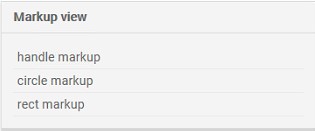
2. 选择要加载的视图,然后单击“加载”。
#### 它在源代码中的工作原理
```
Create markup model:
const model = this.m_viewer.getMarkupModel(); //returns a markup model, if there is one, or it creates this model
Save markup model:
const viewer = this.webModule.getViewer();
const markupCtrl = viewer.getMarkupController(); //getting a controller object to interact with markups
markupCtrl.save(markupName); //saving markup object on client, the markup name must be passed to the function
markupCtrl.sendSaveRequest(markupName); //send request and save markup on backend, the markup name must be passed to the function
Get list of markups:
const viewer = this.webModule.getViewer();
const markupCtrl = viewer.getMarkupController();
const saved = markupCtrl.getSaved(); //returns the list of markups that have been saved
Load markup model:
const viewer = this.webModule.getViewer();
const markupCtrl = viewer.getMarkupController();
markupCtrl.load(markupName); //the controller loads the desired markup by name that was previously saved
Clear markup:
const viewer = this.webModule.getViewer();
const markupCtrl = viewer.getMarkupController();
markupCtrl.clear(); //hides all drawn models, even those that have been saved
```
## 今天就开始行动
**免费试用 ODA 软件 60 天。
无风险,无需信用卡。**
[免费试用](https://www.opendesign.com/cn/free-trial)