[Back to Blog](/blog) # Creating Markups with Web SDK
Alexey Soloshenko July 11, 2019 [\#Web SDK](/blog/tag/web-sdk)
Markups allow you to make temporary redlines and remarks directly in a document. Here are some examples of drawings that contain markups using Web SDK:
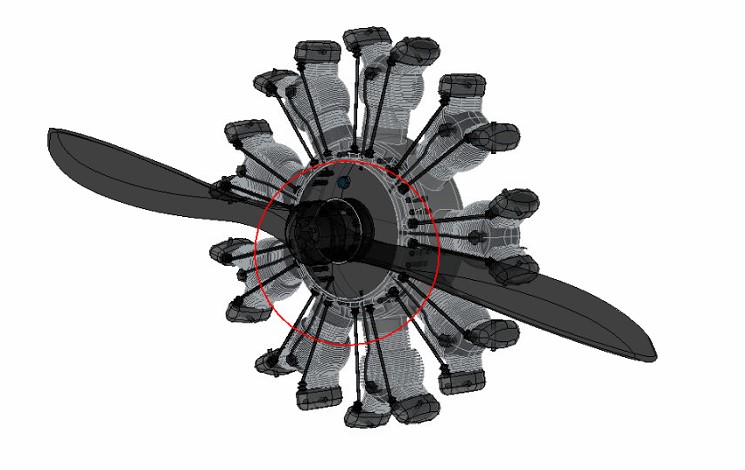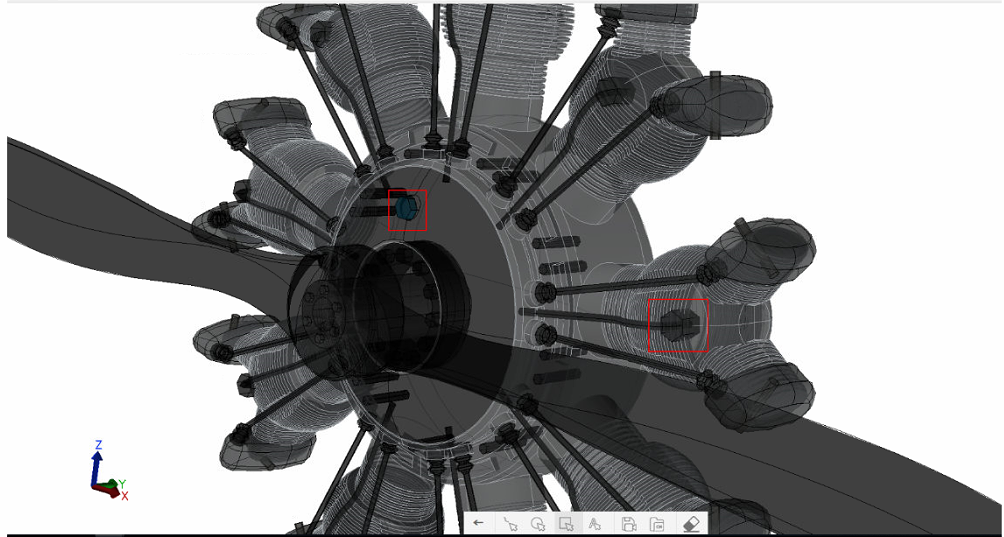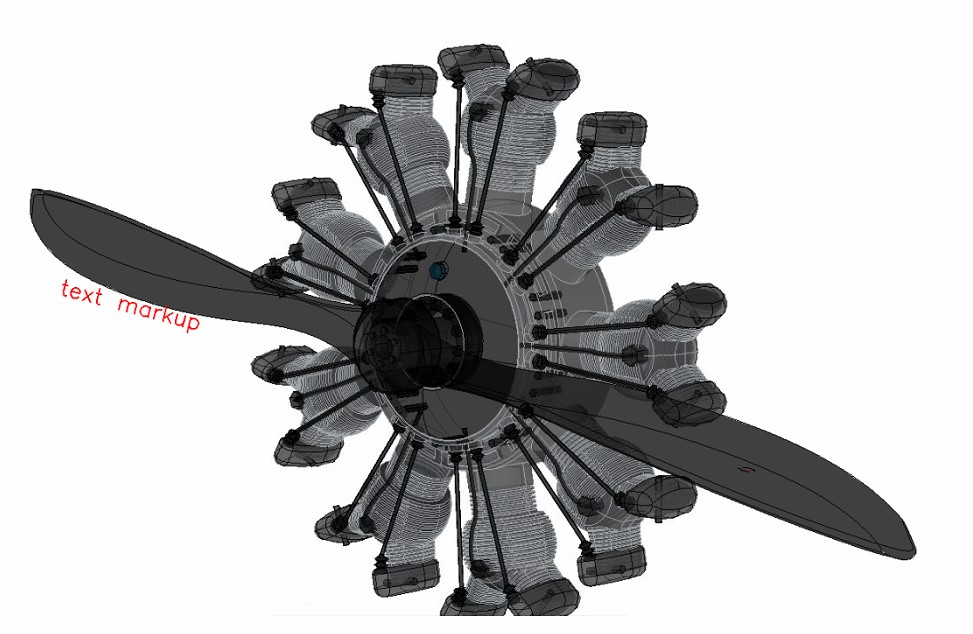You can use the Markups toolbar in ODA Web Viewer to create different type of markups. For details about running ODA Web Viewer, see the [online documentation](https://docs.opendesign.com/tcloud/frames.html?frmname=topic&frmfile=tcloud_running_sample_app.html) (login required). You can create these types of markups in ODA Web Viewer:
- Rectangle markup
- Circle markup
- Freehand markup
- Text markup
Then use the two tools for saving and loading markup views:
- Save markup — Saves the current view with markups that you’ve drawn.
- Load markup — Loads a view that contains markups.
To save markups that you’ve drawn:
1. Click Save markup.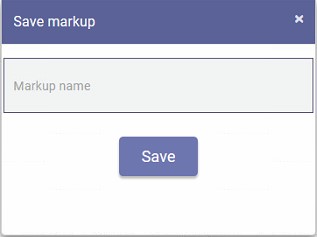
2. Enter the name of the saved markup view, then click Save.
To load saved views that contain markups:
1. Click Load markup.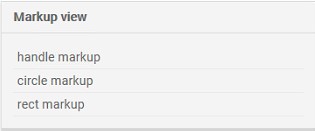
2. Select the view to load, then click Load.
#### How it works in the source code
```
Create markup model:
const model = this.m_viewer.getMarkupModel(); //returns a markup model, if there is one, or it creates this model
Save markup model:
const viewer = this.webModule.getViewer();
const markupCtrl = viewer.getMarkupController(); //getting a controller object to interact with markups
markupCtrl.save(markupName); //saving markup object on client, the markup name must be passed to the function
markupCtrl.sendSaveRequest(markupName); //send request and save markup on backend, the markup name must be passed to the function
Get list of markups:
const viewer = this.webModule.getViewer();
const markupCtrl = viewer.getMarkupController();
const saved = markupCtrl.getSaved(); //returns the list of markups that have been saved
Load markup model:
const viewer = this.webModule.getViewer();
const markupCtrl = viewer.getMarkupController();
markupCtrl.load(markupName); //the controller loads the desired markup by name that was previously saved
Clear markup:
const viewer = this.webModule.getViewer();
const markupCtrl = viewer.getMarkupController();
markupCtrl.clear(); //hides all drawn models, even those that have been saved
```
## Get started today
**Try ODA software free for 60 days.
No risk, no credit card required.**
[Try for Free](https://www.opendesign.com/free-trial)